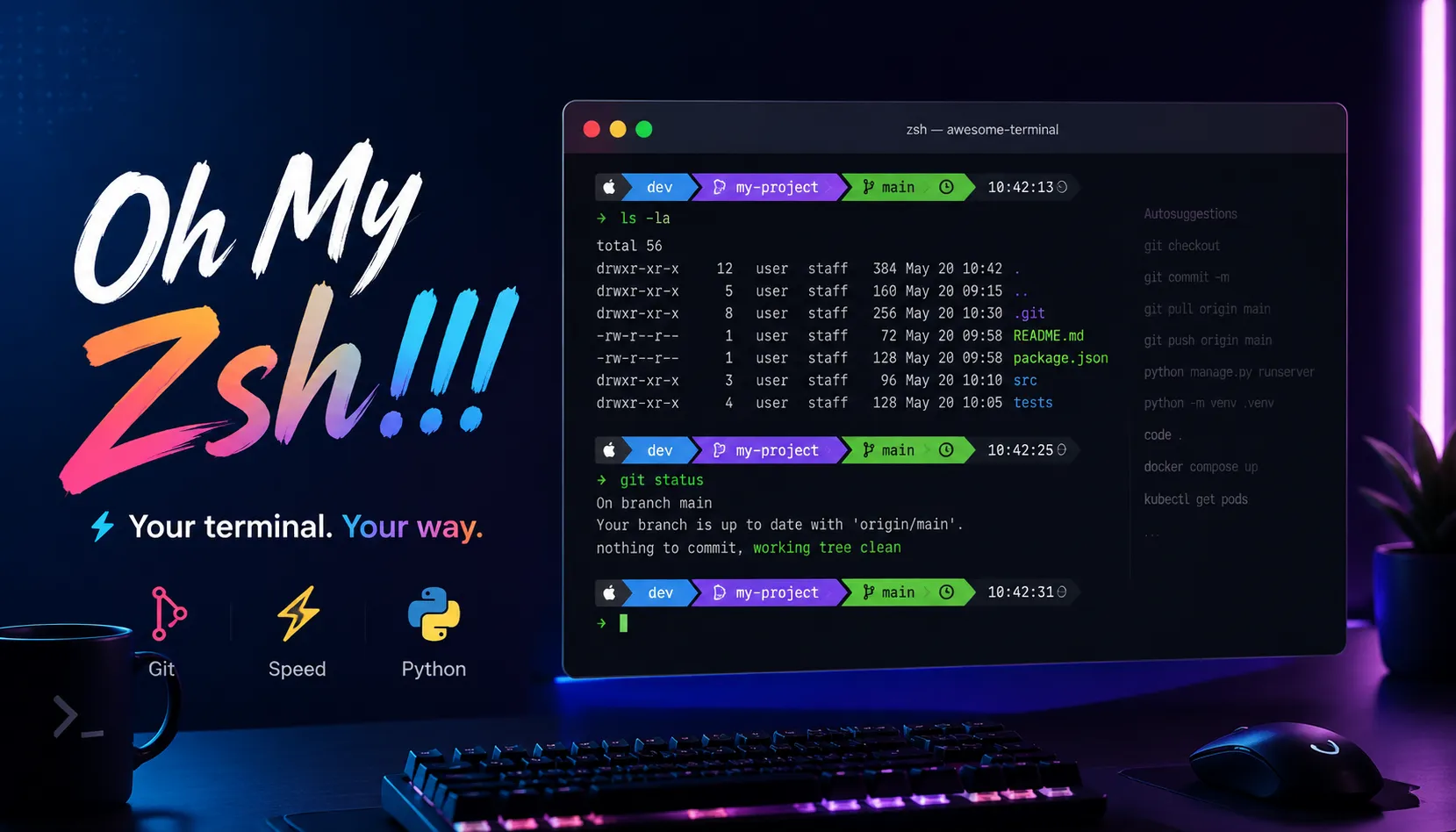

前言
在开始安装之前,请确保系统已经安装或存在以下依赖:
git
zsh
curl
wget
安装 Oh My Zsh
官方安装方式:
sh -c "$(curl -fsSL https://raw.githubusercontent.com/robbyrussell/oh-my-zsh/master/tools/install.sh)"国内加速安装方式(推荐):
wget https://gitee.com/mirrors/oh-my-zsh/raw/master/tools/install.sh -O - | sh修改默认 SHELL
chsh -s /bin/zsh
# 修改后需要重启终端或注销登录生效

# 或者直接输入 zsh 临时切换
zsh

# 查看当前 Shell
echo $SHELL
常用插件配置
1. 自动建议插件 (zsh-autosuggestions)
这个插件会根据历史命令提供智能建议。
安装:
# GitHub 源
git clone git://github.com/zsh-users/zsh-autosuggestions $ZSH_CUSTOM/plugins/zsh-autosuggestions

# Gitee 镜像(国内推荐)
git clone https://gitee.com/hailin_cool/zsh-autosuggestions.git $ZSH_CUSTOM/plugins/zsh-autosuggestions
2. 语法高亮插件 (zsh-syntax-highlighting)
为命令提供语法高亮,让错误的命令一目了然。
安装:
# GitHub 源
git clone https://github.com/zsh-users/zsh-syntax-highlighting.git ${ZSH_CUSTOM:-~/.oh-my-zsh/custom}/plugins/zsh-syntax-highlighting

# Gitee 镜像(国内推荐)
git clone https://gitee.com/Annihilater/zsh-syntax-highlighting.git ${ZSH_CUSTOM:-~/.oh-my-zsh/custom}/plugins/zsh-syntax-highlighting
3. 目录跳转插件 (autojump)
智能目录跳转,支持快速访问常用目录。(建议直接使用 z 插件,更轻量性能更好,Oh My Zsh 环境免安装)
安装:
# Ubuntu/Debian
sudo apt-get install autojump

# CentOS/RHEL
sudo yum install autojump
4. Python 虚拟环境自动切换 (autoswitch_virtualenv)
Python 开发者的神器,自动切换项目对应的虚拟环境。
安装:
git clone https://github.com/MichaelAquilina/zsh-autoswitch-virtualenv.git $ZSH_CUSTOM/plugins/autoswitch_virtualenv配置文件设置
编辑~/.zshrc,参考修改以下基础配置项:
# Oh-My-Zsh 安装路径
export ZSH="$HOME/.oh-my-zsh"

# 主题设置(推荐:ys, agnoster, powerlevel10k)
ZSH_THEME="ys"

# 插件列表
plugins=(
    git
    zsh-autosuggestions
    zsh-syntax-highlighting
    z # 替代 autojump
    autoswitch_virtualenv
)

# 加载 Oh-My-Zsh
source $ZSH/oh-my-zsh.sh

# autojump 配置
# [ -f /usr/local/etc/profile.d/autojump.sh ] && . /usr/local/etc/profile.d/autojump.sh修改完成后执行source ~/.zshrc使生效即可。